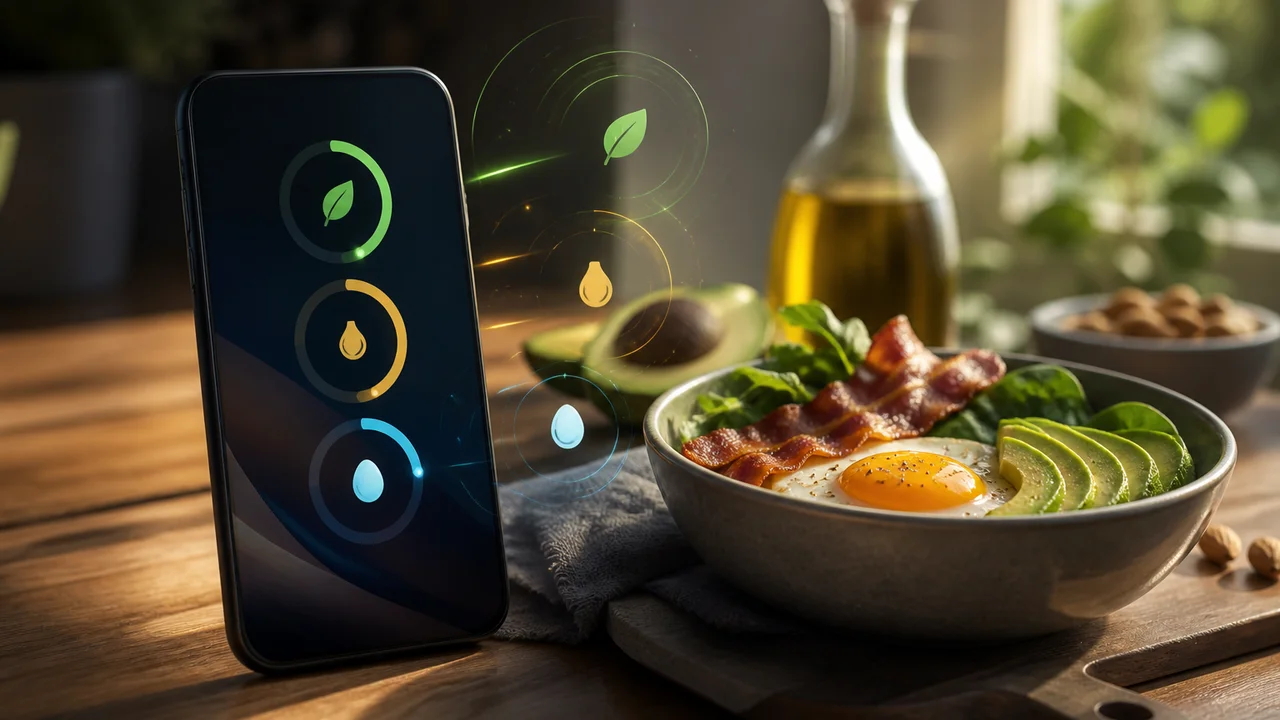
Keto home screen widgets matter when life moves faster than your logging habit. Net carbs, water, and the next planned meal should be visible in a five-second glance—not buried behind another app open you keep postponing until evening.
KetoGo ships widgets for macros, water, activity, logged meals, and plan meal slots on supported devices. This is general tracking information for adults—not medical advice and not a weight-loss promise.
What a useful keto widget actually shows
A macro widget keto setup should answer three questions before lunch:
- How many net carbs remain today?
- Did I log water—or am I guessing?
- What meal slot is next on my plan?
Generic fitness widgets often foreground calories alone. A keto meal plan widget pairs macro rings with upcoming slots so dinner decisions happen while you still have carb budget.
A glance-first daily rhythm
Try this pattern on busy weekdays:
Morning
Pin the macro widget after logging breakfast. One tap from the home screen confirms protein and net carbs without opening the full app.
Midday
Use the water widget as a nudge—not a guilt meter. Log a glass when the count looks low.
Evening
Check the plan-meal widget before cooking. If the suggested slot does not fit, swap inside the app later— the widget is a reminder, not a prison.
Users who stick with home screen widget macros often say the win is fewer abandoned logs, not flashier charts.
When widgets look wrong after an update
Phones sometimes reorder widgets or show stale numbers after OS updates. If totals look off:
- Open KetoGo once and confirm Today refreshed.
- Remove and re-add the widget.
- Log one item manually to force a sync.
Editable food logs still beat perfect widgets—fix entries in the app if a bad scan skewed the rings.
Freemium note
Core logging and widgets are part of everyday tracking on KetoGo’s free tier (ads may appear). Premium may unlock deeper plan personalization via Google Play. Check prices in your region.
How we tested this in KetoGo
On 2026-08-23 we added macro and water widgets on a test device, logged breakfast and lunch, and confirmed ring progress updated after each save without reopening from the widget tap target. We removed and re-pinned one widget after a simulated refresh and verified totals matched Today inside the app. Morrowline Apps verified widget refresh on that build. Not medical advice.
FAQ
Do widgets work on iOS and Android?
Availability depends on your device and store build. Check the app listing for current widget support in your region.
Can I see plan meals on a widget?
Supported builds can surface upcoming plan slots alongside macro progress—open the app to swap meals if plans change.
Will widgets drain battery?
They use standard OS widget APIs. If you notice unusual drain, re-add widgets after an app update.
Install KetoGo from Google Play when you want keto home screen widgets that make net carbs and plan meals visible before the day slips away.